
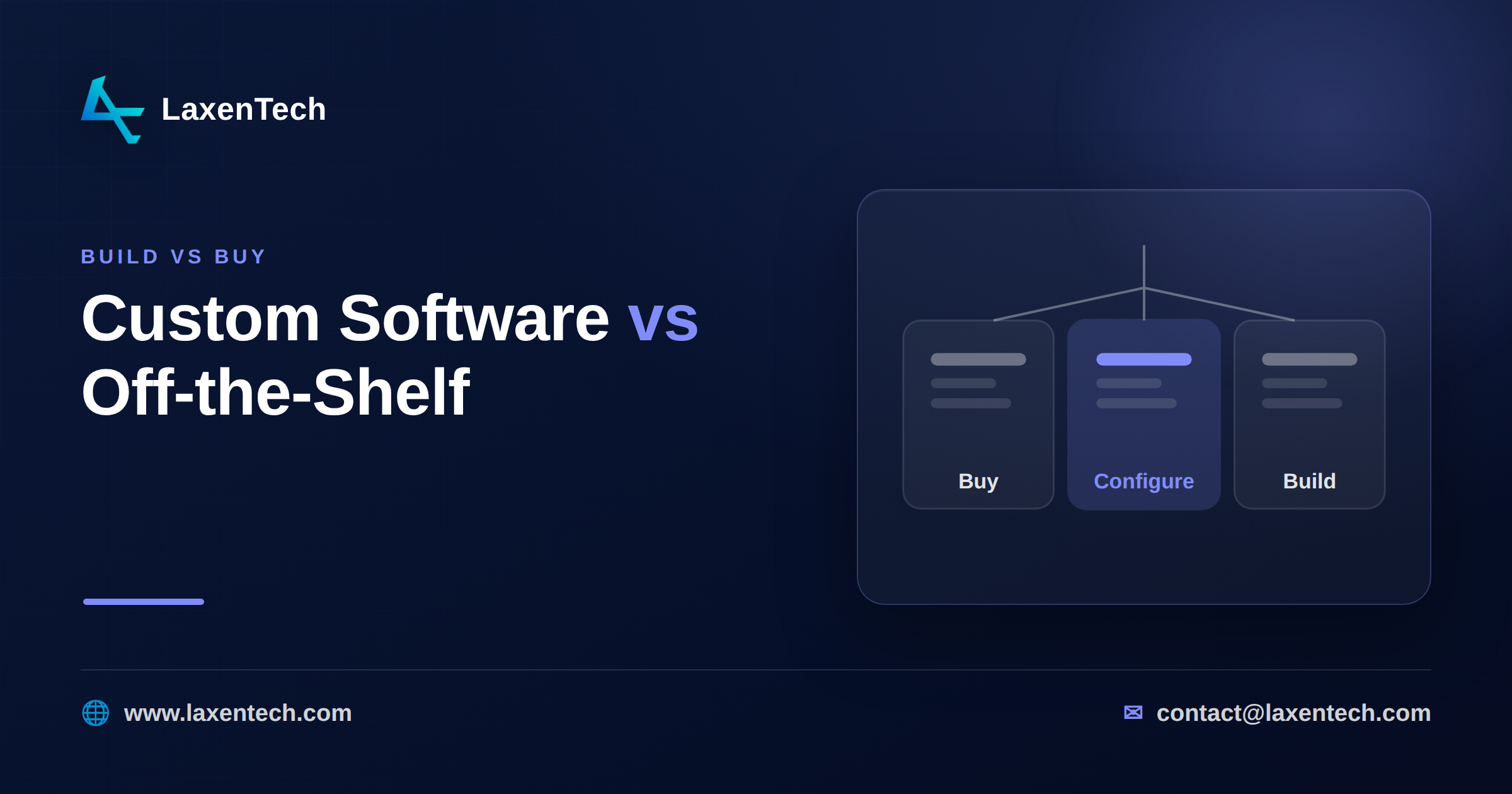
Custom software vs off-the-shelf: the build-vs-buy decision
Buy off-the-shelf when the process isn’t yours to differentiate on. Build custom when a workflow is a genuine competitive edge and no product fits it. And for the messy middle, where a rigid SaaS tool almost works but forces you to change how you operate, configure a modular product instead. Most teams treat this as a binary. It isn’t, and getting the third option wrong is where a lot of budget quietly disappears.
Here’s the honest short answer: most companies overbuild. They write custom code for problems a cheap per-seat tool already solved, then spend years maintaining it. The reverse mistake is rarer but more painful, forcing a core operational process into software that was never designed for it. This guide gives you a way to decide that survives a budget review: a 7-question scorecard, a 3-year cost comparison, and a clear read on when each path makes sense.
What each option really means
Off-the-shelf (buy). Commercial software you subscribe to or license: a CRM, an accounting package, a help-desk tool. Someone else owns the roadmap, the security patches, the uptime. You adapt your process to fit it.
Custom software (build). Software written specifically for you, whether in-house or with a development partner. You own the code, the roadmap, and every bug. It fits your process exactly because you defined the process.
Configure a modular product (the third path). A product built to be shaped. Think of a mid-market ERP with modules for inventory, purchase orders, invoicing and payroll that you switch on, map to your workflow, and extend through APIs. You skip the blank-page cost of a build but keep far more flexibility than rigid SaaS. Most build-vs-buy posts ignore this option, and it’s the right answer more often than either extreme.
The real trade-offs
Cost is the obvious axis, but it’s rarely the deciding one. Weigh these together:
Time to value. Buy: days to weeks. Configure: weeks to a couple of months. Build: months, sometimes a year before it earns its keep.
Control. Build gives you total control and total responsibility. Buy gives you almost none, fine until the vendor sunsets a feature you depend on.
Fit. Off-the-shelf covers maybe 70 to 85 percent of what you need. The question is whether the missing slice is a nuisance or a dealbreaker.
Maintenance. The line item people forget. Custom software is never “done.” You own security updates, dependency upgrades, and every integration that breaks when an API changes.
Risk. Build risk is execution risk: will it ship, will it work. Buy risk is dependency risk: pricing changes, acquisitions, lock-in.
A useful gut check: if you’d be embarrassed to tell a competitor how you do this task, it might be worth building. If it’s the same job everyone in your industry does the same way, buy it.
The 7-question build / buy / configure scorecard
Answer each question and add up the points. Be honest, not aspirational.
# | Question | Score 0 | Score 1 | Score 2 |
|---|---|---|---|---|
1 | Is this process a genuine competitive differentiator? | Commodity | Somewhat | Core edge |
2 | Does any existing product cover more than 80% of the need? | Yes, easily | Partially | Nothing close |
3 | How unusual are your requirements vs your industry? | Standard | Some quirks | Highly unusual |
4 | Do you need deep integration with internal systems? | No | Some | Extensive |
5 | Will requirements change often over the next 3 years? | Rarely | Sometimes | Constantly |
6 | Do you have budget and appetite to own maintenance? | No | Maybe | Yes, committed |
7 | How much does vendor lock-in threaten you? | Not a concern | Moderate | Serious risk |
Reading your score (0 to 14):
0 to 4: Buy. The market has already solved this. Custom code here is a liability, not an asset. Pick the best-fit product and move on.
5 to 9: Configure. You have real requirements a generic tool won’t meet, but you don’t need to build from scratch. A modular product you can shape to your workflow is almost always the cost-effective answer. This is the band most mid-market companies land in and the one they most often misread as “we need to build.”
10 to 14: Build. The process is a differentiator, requirements are unusual and moving, and nothing off the shelf fits. This is where custom development pays for itself.
If two paths tie, default to the cheaper, faster one and revisit in a year. You can always build later; you rarely un-build cheaply.
A 3-year total cost of ownership comparison
Sticker price hides the real number. Here’s an illustrative comparison for a mid-market operational tool used by roughly 50 people. Treat these as shape-of-the-cost, not a quote.
Cost area (3-year) | Off-the-shelf | Configure a modular product | Custom build |
|---|---|---|---|
Upfront / setup | Low | Medium | High |
Recurring licensing | High (per seat, ongoing) | Medium | None (you own it) |
Implementation & data migration | Low | Medium | High |
Maintenance & support | Included | Shared with vendor | Fully yours |
Change requests | Vendor roadmap, often “no” | Config + light dev | Whatever you fund |
Hidden cost | Workarounds for the missing 15% | Fewer, mostly integration | Scope creep, key-person risk |
Best when | Standard needs, tight timeline | Real needs, no differentiator | Process is a true edge |
The pattern holds across most cases: buy is cheapest upfront, but its recurring cost and workaround tax compound. Build is most expensive early and only wins when the process earns it. Configure sits between and, for a lot of operational software, has the lowest three-year total once you count the workarounds you’d otherwise pay for.
Realistic scenarios
A manufacturer replacing spreadsheets. Inventory, purchase orders, multi-location stock, light HR. The classic configure case: outgrown spreadsheets, doesn’t need a heavyweight enterprise suite. Building an ERP from scratch would be a two-year detour; a modular ERP mapped to their workflow gets them live in a fraction of the time.
A logistics firm with a proprietary routing algorithm. Their routing is the business, and no product does what they do. This is a build, full stop, and worth every rupee.
A clinic buying scheduling software. Patient scheduling is a solved problem with compliance baked into existing tools. Buy it. Building here means reinventing appointment reminders for no advantage.
Common mistakes
Building to avoid a subscription. License fatigue drives a lot of bad builds. Do the three-year math first.
Buying, then customizing until it breaks. Heavy customization of rigid SaaS often costs more than a purpose-fit product and leaves you unable to upgrade.
Ignoring maintenance in the business case. A build that ships is halfway done. The other half is the next five years.
Confusing “we’re special” with “this task is special.” Your company can be unique while 90 percent of your software needs are ordinary.
How LaxenTech can help
We’re an engineering-first firm, so our bias is toward the option that actually fits, not the biggest project. Sometimes that’s a genuine custom build for a process that sets you apart. Often it’s configuring our modular ERP Management System to your operation instead of building from a blank page, or forcing your team into a tool that fights them. We work in two-week sprints with a working demo each sprint, so you see the fit early rather than after the invoice. If you’re weighing the call, tell us about your operation and we’ll give you a straight recommendation, even when that’s “buy this and don’t hire us.”
Frequently asked questions
Is it worth building custom software?
Only when a process is a real competitive differentiator and no product fits it well. For standard needs, custom software costs more, takes longer, and adds maintenance you’ll carry for years. Score it before committing.
What’s the difference between build vs buy in software?
Build means developing software specifically for you, so you own the code and the fit. Buy means licensing existing commercial software and adapting your process to it. Configuring a modular product is a third path that blends both.
When should a CTO choose to build custom software?
When requirements are unusual and changing, deep internal integration is required, the process is a genuine edge, and the team is committed to owning maintenance. On the 7-question scorecard, that’s a score of 10 or higher.
What are the disadvantages of off-the-shelf software?
Partial fit, limited control over the roadmap, vendor lock-in, per-seat costs that compound, and workaround costs when it covers only 80 percent of the need.
What are the benefits of bespoke software?
Exact process fit, full ownership, no per-seat licensing, and the freedom to change it whenever the business changes. The trade-off is higher upfront cost, longer timelines, and full maintenance responsibility.
Is custom or off-the-shelf software better for manufacturing?
Usually neither extreme. Most manufacturers land in the configure band: a modular ERP for inventory, purchase orders and multi-location stock, with custom development reserved for a genuinely proprietary process like a unique production or routing method.
How long does custom software take to build?
Plan in months, not weeks, before it earns its keep. Configuring a modular product is typically far faster, which is part of why it wins for standard operational needs.
The build-vs-buy decision isn’t really binary, and the teams that treat it that way tend to overbuild. Run the scorecard, do the three-year math, and be honest about whether your process is a differentiator or just a job that needs doing. Buy the commodity. Build the edge. Configure the large middle. If you’d like a candid read on which one your situation calls for, talk to us.
LaxenTech Engineering
The engineering team at LaxenTech — building custom software, systems integration and AI-driven solutions.
Related posts
HIPAA-Compliant Software Development: A Practical Guide
A practical HIPAA compliance guide for healthcare software — access controls, encryption, BAAs and the mistakes that fail audits. Design it in from day one.
Fintech Software Development: Cost, Compliance & Process
Fintech software development explained — PCI DSS and SOC 2 compliance, secure architecture, and what a compliant build really costs and takes.
How to Build a Custom AI Chatbot for Your Business
How to build a custom AI chatbot for your business — RAG explained simply, build vs buy, guardrails against hallucination, and realistic cost and ROI.