
How to manage social media for multiple clients (approval workflows that scale)
Managing social media for multiple clients comes down to one thing: a single, repeatable operating system so nothing slips through the cracks. That means a shared content calendar per client, an approval chain everyone actually follows, one place to handle engagement, and reporting you don’t rebuild every month. Get those four right and the chaos disappears. Skip them and you’ll be the agency that missed a client’s launch because the draft was stuck in someone’s DMs.
The mess usually isn’t a talent problem, it’s a systems problem. You’ve got great writers and sharp strategists, but the work lives in twelve browser tabs, a few spreadsheets, and one brave person’s memory. This guide walks through the process, then shows where a single dashboard removes most of the friction.
The real cost of tab-juggling and manual approvals
Count the context switches in a normal Tuesday. You log into client A’s Instagram, copy a caption from a doc, remember client B still hasn’t approved next week’s posts, ping them, get distracted by a comment on client C’s Facebook, then forget which tab you were in. Every switch costs attention, and attention is what you’re actually selling.
Manual approvals make it worse. When sign-off happens over email and screenshots, feedback arrives in fragments with no record of what was approved, nobody knows whose turn it is to act, and there’s no audit trail. So when a client says “I never approved that,” you’ve got nothing to point to.
The fix is boring, which is why most agencies skip it: standardize the process before you scale the client count. Ten clients on a solid system is calmer than three run on vibes.
Build a per-client content calendar
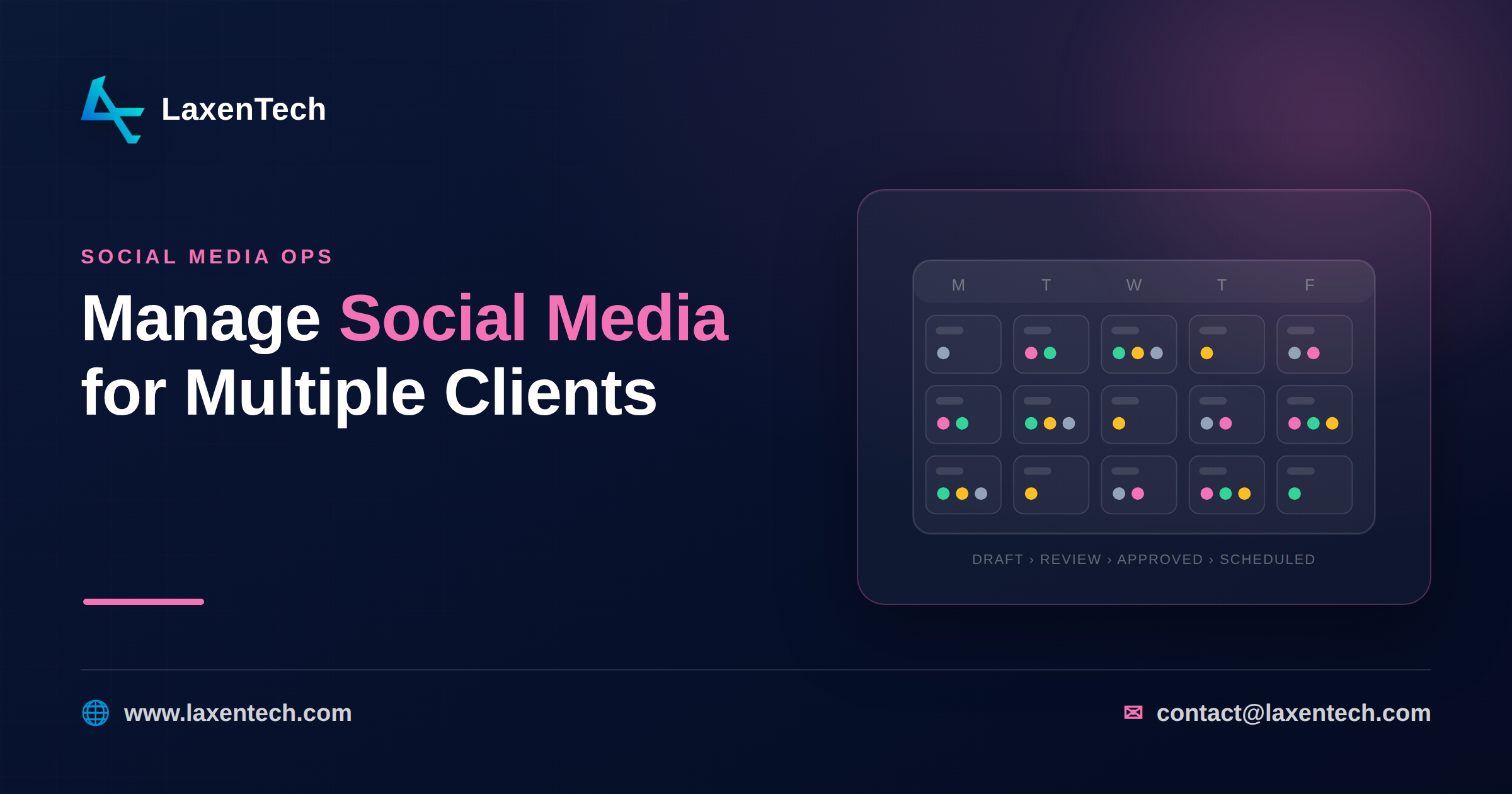
Start with the calendar, because everything hangs off it. Each client gets its own view, and every planned post carries the same fields: platform, publish time, caption, creative, campaign tag, and current status (draft, in review, approved, scheduled).
A visual calendar beats a spreadsheet here. Drag-and-drop scheduling lets you see gaps, spot when two clients are both quiet on a Wednesday, and rebalance in seconds. Colour-code by status so a glance tells you what’s stuck. When a client asks “what’s going out next week?”, you send a link, not a 20-minute export job.
One rule that saves headaches: plan a week ahead of the client’s expectations. If you promise posts approved by Friday, work to a Thursday internal deadline. The buffer absorbs the inevitable “can we push the sale announcement” request.
The approval workflow that scales
Here’s the core of it. A social media approval workflow that scales has four defined stages, and every post moves through them in order:
Draft. A writer creates the post inside the calendar, attaches creative, and tags it draft.
Internal review. A second set of eyes checks brand voice, spelling, links, and whether the post matches the brief. Catch problems here, before the client ever sees them. Nothing damages trust like a client spotting a typo you missed.
Client sign-off. The client reviews a clean preview and either approves or leaves specific comments tied to the post. Not a separate email. On the post.
Schedule. Once approved, the post is queued to publish automatically at its set time.
This works because status is always visible and ownership is always clear. Anyone can see that client D has six posts waiting on sign-off, so you nudge the client instead of guessing. Comments live with the content, so there’s a record of what changed and who agreed to it.
For clients who trust you, you can collapse a stage. For a new brand nervous about tone, keep all four. The workflow bends; the structure holds.
A unified inbox and engagement routine
Publishing is half the job. The other half is what happens after, and it’s where multi-account chaos hits hardest. Comments and DMs land across Instagram, LinkedIn, Facebook, X, and YouTube, for every client, all day.
Pull them into one unified inbox so your team works a single queue instead of hopping between apps. Then set a routine: a defined window (say, twice a day) where someone triages the inbox, replies to what needs a human, flags anything sensitive to the account lead, and hides spam.
Two habits matter. Keep a light response guide per client, because a playful skincare brand and a B2B consultancy don’t sound the same. And log the stuff that isn’t yours to answer, product complaints, refund requests, and route it to the client fast. You’re their front line, not their support desk.
Cross-client reporting that saves hours
Reporting is where agencies quietly lose whole days. If you’re screenshotting analytics from five platforms across eight clients every month, you know the pain.
Build reporting once and reuse it. Decide on a consistent set of metrics that map to what clients care about, reach, engagement, follower growth, link clicks, and where it matters, the traffic and conversions social actually drove on their site. Auto-generated performance reports turn that from a two-day slog into a review-and-send. Same template, per client, every month.
The strategic win: consistent reporting lets you compare what’s working across your whole book of business. If short-form video is lifting engagement for three clients, that’s a pattern you can pitch to the others.
Roles and access that keep accounts safe
The more clients you add, the more this matters. Role-based permissions make sure the right people touch the right accounts, and only those. A junior drafts but can’t publish. An account manager approves. A client sees their own dashboard and nothing else. When a freelancer’s contract ends, you revoke access in one place instead of chasing shared passwords across a dozen platforms.
This isn’t bureaucracy. It’s how you avoid a post going to the wrong client’s account, and it’s what lets you delegate without lying awake about it.
A repeatable weekly cadence
Tie it together with a rhythm the whole team knows:
Monday: Draft the coming week’s posts per client; move them to internal review.
Tuesday: Internal review done; send approved posts to clients for sign-off.
Wednesday–Thursday: Chase outstanding approvals; schedule everything signed off.
Daily: Two inbox windows for engagement and routing.
Friday: Buffer for late changes; confirm next week is fully scheduled.
Month-end: Generate and send reports; pull cross-client insights into planning.
Boring on purpose. A predictable cadence is what lets you take on client eleven without hiring in a panic.
How the Social Media Management System helps
Everything above works on paper. It works far better when it isn’t spread across twelve tabs. LaxenTech’s Social Media Management System puts the whole operating system in one dashboard: multi-platform publishing, a drag-and-drop calendar per client, built-in approval workflows, a unified inbox, hashtag and competitor analytics, auto-generated reports, and role-based permissions, with bulk scheduling and CSV import when you’re onboarding fast.
Built for agencies and in-house teams managing many accounts, it also connects social activity to website traffic and conversions, so your reports show outcomes, not just likes. If tab-juggling is your bottleneck, book a demo and see it against your own workflow.
Frequently asked questions
What’s the best way to schedule posts for multiple clients?
Use a single calendar with a separate view per client, plan at least a week ahead, and schedule posts to publish automatically once approved. Bulk scheduling and CSV import help when you’re loading a month at once. The goal is to batch the work so you’re not logging into each platform daily.
How do I set up a social media approval workflow for agencies?
Define four stages, draft, internal review, client sign-off, and schedule, and make every post move through them in order. Keep feedback attached to the post itself, not scattered across email, so there’s always a record of what was approved and whose turn it is to act.
How many clients can one person manage?
There’s no magic number, it depends on posting volume, platforms, and engagement load. What decides it is the system, not the person. A tight workflow with automated scheduling and reporting lets one manager handle far more accounts than tab-by-tab work ever could.
How do I stop posting to the wrong client account?
Use role-based access and a dashboard that clearly labels which client you’re in. Requiring approval before anything publishes adds a second checkpoint, so a mistagged draft gets caught in review instead of going live.
What should a client social media report include?
Reach, engagement, follower growth, and link clicks at minimum, plus, where you can measure it, the traffic and conversions social drove. Keep the format identical every month so clients learn to read it and you’re not rebuilding reports from scratch.
Do I need separate tools for scheduling, inbox, and reporting?
You can stitch point tools together, but the context-switching is the problem you’re trying to solve. One system that handles publishing, engagement, and reporting removes the handoffs and gives you a single source of truth per client.
Managing social media for multiple clients isn’t about working harder across more tabs. It’s about running one clear process: a calendar per client, a four-stage approval chain, a unified inbox, consistent reporting, and access controls that let you delegate safely. Put that system in place and adding clients stops feeling like adding chaos.
If you’d rather run all of it from one dashboard, talk to LaxenTech about a demo built around how your team actually works.
LaxenTech Engineering
The engineering team at LaxenTech — building custom software, systems integration and AI-driven solutions.
Related posts
HIPAA-Compliant Software Development: A Practical Guide
A practical HIPAA compliance guide for healthcare software — access controls, encryption, BAAs and the mistakes that fail audits. Design it in from day one.
Fintech Software Development: Cost, Compliance & Process
Fintech software development explained — PCI DSS and SOC 2 compliance, secure architecture, and what a compliant build really costs and takes.
How to Build a Custom AI Chatbot for Your Business
How to build a custom AI chatbot for your business — RAG explained simply, build vs buy, guardrails against hallucination, and realistic cost and ROI.