
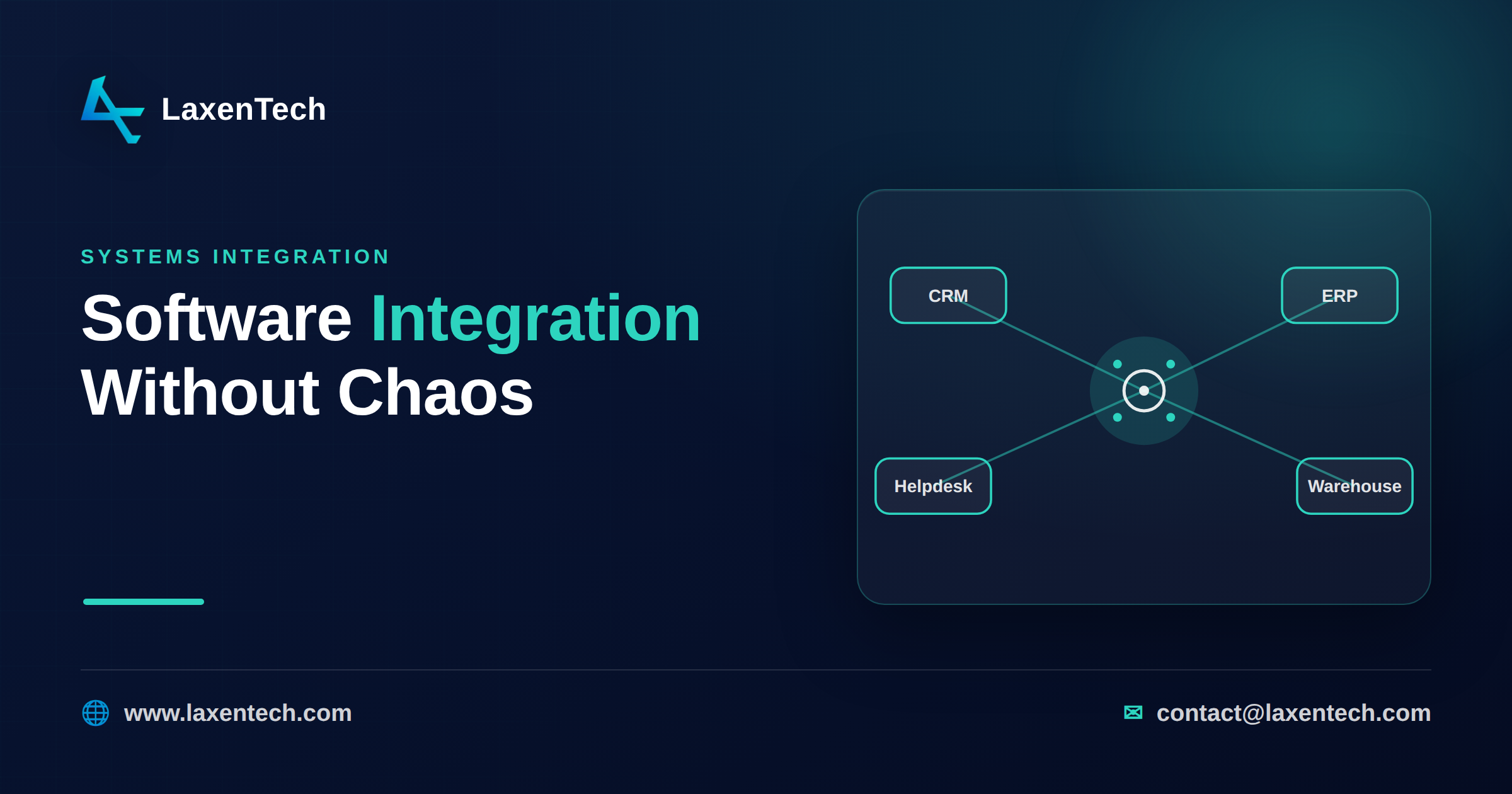
Software integration: how to connect your business systems without chaos
Software integration is the work of making separate business systems share data and trigger each other’s actions, so a change in one place shows up everywhere it should. It gets messy because most companies don’t plan it. They buy a CRM, then an ERP, then a helpdesk, then a warehouse tool, and each one arrives with its own copy of “the customer.” Nobody agrees which copy is right. Somebody ends up rekeying orders at 6pm.
That’s what this guide is about. Not the plumbing itself, but how to connect your tools in a way that doesn’t turn into a tangle you’re afraid to touch.
Signs your systems aren’t really integrated
You can feel the gaps before you can name them. Watch for these:
People export a spreadsheet from one system and import it into another. Every week. By hand.
The same customer has three slightly different addresses across three tools, and no one knows which to trust.
Finance closes the month late because sales numbers don’t match the billing system.
When something breaks, the answer is always “check the other system.”
Each of these has a cost. Rekeying introduces errors. Mismatched data means bad forecasts and awkward customer conversations. And the more manual glue you add, the harder it gets to change anything, because a person, not a system, is holding it together.
The integration patterns, explained
There are only a handful of ways to connect systems. The names sound technical; the ideas aren’t. Here’s each one in plain language, with when it fits.
Pattern | How it works | Good when | Watch out for |
|---|---|---|---|
Point-to-point | Two systems wired directly to each other | You have 2–3 tools and simple needs | Every new tool multiplies connections. Ten systems can mean dozens of brittle links — the classic integration spaghetti |
Hub-and-spoke (middleware) | A central hub that every system connects to once | You have many systems and want one place to manage flows | The hub becomes critical infrastructure; it needs ownership |
iPaaS | A cloud platform with pre-built connectors you configure | Standard tools (Salesforce, NetSuite, Shopify) with common flows | Odd requirements or unusual apps fall outside what connectors cover |
Custom API integration | Code written to your exact rules against each system’s API | Logic that’s specific to your business, or apps with no connector | You own the maintenance; it needs engineering discipline |
Event-driven | Systems publish “events” that others react to in real time | You need real-time updates and loose coupling at scale | More moving parts; harder to trace when something goes wrong |
Most real setups mix these. A mid-market company might run an iPaaS for common flows and a couple of custom API integrations for the parts no connector handles well.
Build vs iPaaS: which one is enough
This is the decision that trips people up, so let’s make it concrete.
An iPaaS (integration platform as a service) is usually enough when your systems are mainstream, your flows are standard, and you mostly need data to move on a schedule — sync contacts, push orders, update inventory. Connectors exist for the popular tools, and you configure rather than code. It’s faster to start and cheaper up front.
Custom integration pays off when the logic is yours: order routing that depends on rules no connector knows, a legacy or in-house system with no off-the-shelf connector, real-time behavior an iPaaS charges a fortune for, or per-record pricing that gets ugly at your volume. For custom integration vs iPaaS in mid-market teams, the honest answer is often both — iPaaS for the commodity flows, custom for the handful that carry your actual business rules.
A quick gut check. If a vendor’s connector already does 90% of what you need and the last 10% is nice-to-have, use the iPaaS. If the missing 10% is the reason the integration exists, build it.
Getting to a single source of truth
Moving data between systems is the easy half. The hard half is agreeing on what’s true.
Say a customer’s email lives in your CRM, your billing tool, and your support desk. When it changes, which one wins? Without an answer, you get three versions and endless “which is right” debates. A single source of truth means you decide, per piece of data, which system owns it. The CRM owns contact details. The ERP owns financials. Everything else reads from the owner instead of keeping its own truth.
This is the information-management layer, and it’s where integration projects quietly succeed or fail. You need a shared data model — a common definition of “customer,” “order,” “product” — so the same thing means the same thing everywhere. You need clear ownership rules, and a way to resolve conflicts when two systems disagree. Get this right and data integration stops being a firefight. Skip it and no amount of clever plumbing saves you.
How to plan an integration project
A workable sequence, roughly in order:
Map what you have. List every system, every piece of data that moves, and every manual handoff. The spreadsheets people email around are integrations too — just bad ones.
Define ownership. For each data type, name the system of record. Do this before you write a line of code.
Pick patterns per flow. Not one pattern for everything. Match each flow to what it needs.
Start with the flow that hurts most. Prove value early rather than boiling the ocean.
Build in short cycles. Ship a working flow, watch it in production, then add the next. Two-week increments beat a six-month big bang.
Instrument it. Log what moves and alert when it stops. Silent failures are the worst kind.
Common mistakes
Wiring everything point-to-point and discovering the spaghetti a year later.
Integrating before agreeing on the data model, so you sync inconsistency faster.
Treating integration as a one-off project instead of something that needs an owner.
Choosing a pattern to match a buzzword rather than the actual flow.
No monitoring, so the first sign of a broken sync is an angry customer.
How LaxenTech helps
This is the work we do. LaxenTech is an engineering-first custom software and systems-integration firm — we start by documenting every integration point (Discover), design the data model and how it deploys (Architect), then build in two-week sprints and ship. Where an iPaaS covers your flows, we’ll tell you so; where custom integration earns its keep, we build the platform and pipelines that make your systems behave like one. It leans on our system design and information management practices, because good integration is a data problem as much as a code one.
Frequently asked questions
What’s the difference between software integration and system integration?
They’re used interchangeably. “System integration” often implies larger, infrastructure-level work; “application integration” and “software integration” tend to mean connecting business apps. In practice the goal is the same: systems that share data and act together.
What is API integration?
It’s connecting systems through their APIs — the interfaces software exposes so other software can read and write its data. API integration between an ERP and a CRM, for example, lets orders and customer records stay in step without anyone copying them by hand.
Is iPaaS or custom integration better for a mid-market company?
Neither by default. iPaaS wins for standard tools and common flows; custom wins when your logic is specific or a connector doesn’t exist. Many mid-market teams run both — iPaaS for commodity syncs, custom for the flows that carry real business rules.
How do I integrate multiple business systems without creating a mess?
Avoid wiring everything point-to-point. Use a hub or middleware so each system connects once, agree on which system owns each piece of data, and match each flow to the right pattern rather than forcing one approach everywhere.
What is a single source of truth and why does it matter?
It’s the rule that one system owns each piece of data and others read from it. Without it, the same customer or order exists in several conflicting versions, and integrations just spread the inconsistency faster.
Do we need to replace our current tools to integrate them?
Usually not. Integration connects the tools you have. Replacement only comes up when a system has no way to share data at all, or is holding everything else back.
Bringing it together
Good integration isn’t about buying the fanciest platform. It’s about deciding what’s true, choosing the right pattern for each flow, and building in small enough pieces that you can change your mind. Do that and your tools start behaving like one system instead of a pile of them.
If your systems don’t talk and the manual glue is wearing thin, tell us what you’re running and we’ll map a path that fits.
LaxenTech Engineering
The engineering team at LaxenTech — building custom software, systems integration and AI-driven solutions.
Related posts
HIPAA-Compliant Software Development: A Practical Guide
A practical HIPAA compliance guide for healthcare software — access controls, encryption, BAAs and the mistakes that fail audits. Design it in from day one.
Fintech Software Development: Cost, Compliance & Process
Fintech software development explained — PCI DSS and SOC 2 compliance, secure architecture, and what a compliant build really costs and takes.
How to Build a Custom AI Chatbot for Your Business
How to build a custom AI chatbot for your business — RAG explained simply, build vs buy, guardrails against hallucination, and realistic cost and ROI.