
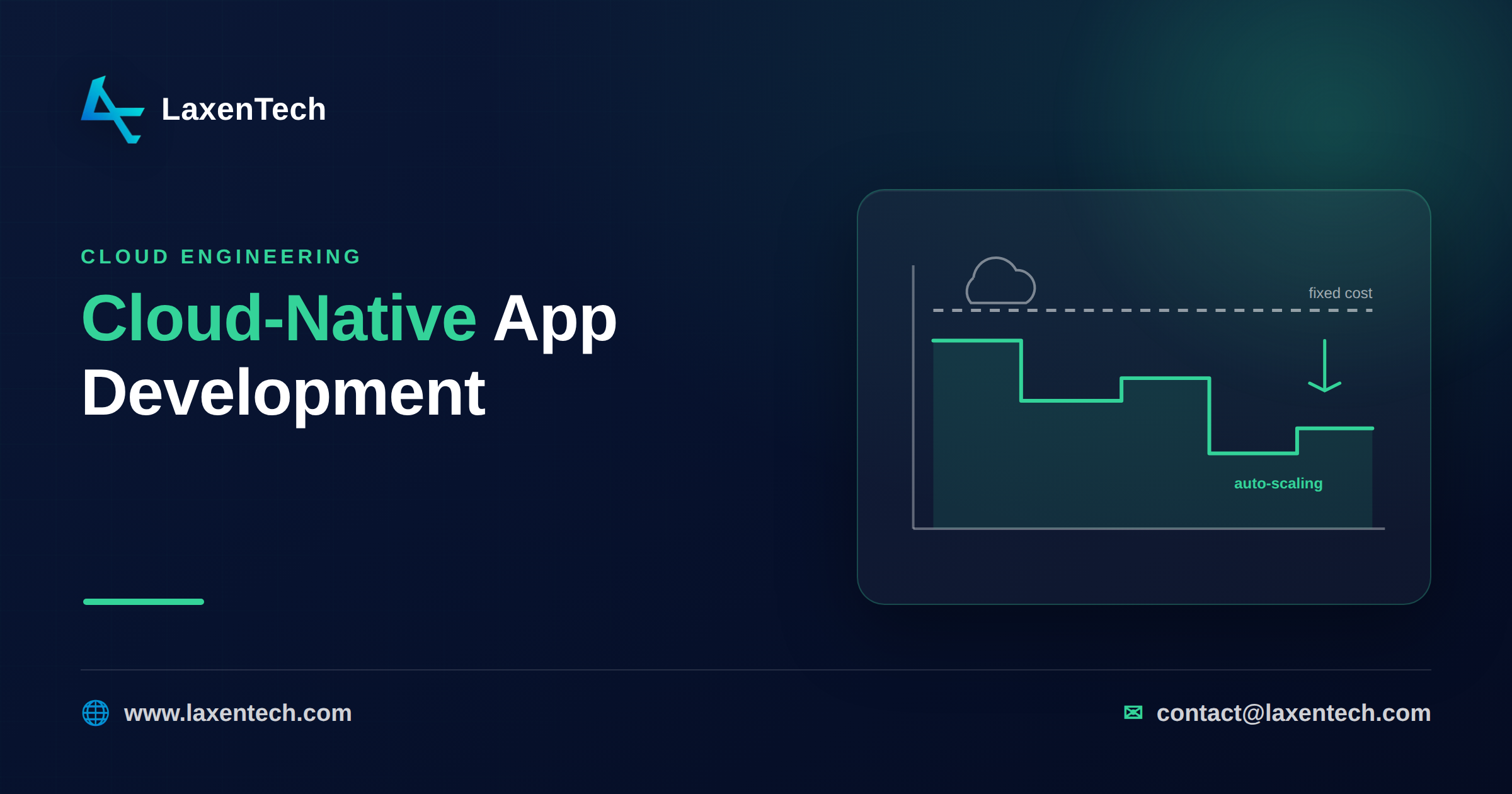
Cloud-native app development: how auto-scaling cuts your cloud bill
Your cloud bill is high mostly because of how the app is built, not because you picked the wrong instance discount. Cloud cost is an architecture problem. When compute runs whether or not anyone is using it, you pay for idle. Cloud-native application development flips that: auto-scaling, serverless, and scale-to-zero patterns turn a fixed monthly line item into spend that tracks real usage. The dashboards help you see the waste. Architecture is what removes it.
That distinction matters because most advice on the topic is a list of FinOps tools to buy. Useful, sure. But a dashboard tells you that three idle staging environments cost you money last month. It doesn’t rebuild them to cost nothing when nobody’s using them. This piece is the builder’s version of the story.
Why cloud bills balloon
The real drivers are boringly consistent across the teams we talk to.
Over-provisioning is the big one. Someone sized an instance for peak Black Friday traffic and it’s been running at 8% CPU ever since. Multiply that across a fleet and the waste is enormous.
Then there’s always-on compute for spiky workloads. A background job that runs four minutes an hour still holds a server for the other 56. Data transfer is the sneaky one: moving data between availability zones, out to the internet, or across regions racks up charges nobody budgeted for. Storage creeps too — snapshots nobody deletes, old objects sitting in standard tier when they should be in cold storage.
None of these are pricing problems. They’re design decisions that made sense once and never got revisited.
What cloud-native actually means for cost
Cloud-native is an overused phrase, so here’s the part that touches your bill. A cloud-native architecture is built to expand and contract with load, and to lean on the provider’s managed services instead of running your own.
Concretely, a few things work together. Auto-scaling adds and removes capacity based on demand, so you’re not paying for headroom you rarely use. Scale-to-zero means a service that isn’t being called costs nothing. Right-sizing matches the resource to the actual workload instead of a guessed-at maximum. And managed services (a hosted database, a queue, an object store) shift the cost of running infrastructure onto the provider, who runs it at a scale you can’t match.
Put together, these turn a fixed bill into pay-as-you-go cloud spend. You stop paying rent on idle machines and start paying for work done. That’s the whole game.
Serverless vs containers: a cost model
The most common question we get is whether to go serverless or run containers. There’s no universal answer — it depends on your traffic shape. Here’s the logic.
Serverless (functions, managed runtimes) charges per request and per millisecond of execution, and it scales to zero. That makes it cheap for spiky or low-volume workloads, because you pay nothing between bursts. The catch: at high, steady volume, per-request pricing adds up, and you can end up paying more than a well-packed container would cost.
Containers (on Kubernetes or a managed container service) give you a running fleet you pay for by the hour. Cheaper per unit of compute at sustained load, and no cold-start latency. But there’s a floor — you pay for the cluster even at 3 a.m. when traffic is near zero.
Factor | Serverless | Containers |
|---|---|---|
Traffic pattern | Spiky, bursty, unpredictable | Steady, high, predictable |
Idle cost | Zero (scale-to-zero) | You pay for the running fleet |
Cost at high sustained load | Rises with request volume | Lower per unit; better packed |
Cold starts | Possible latency hit | None |
Ops overhead | Low (provider manages runtime) | Higher (you manage the cluster) |
Best fit | New products, event-driven jobs, low-traffic APIs | Mature high-traffic services, latency-sensitive workloads |
The crossover is about utilization. If your service would keep a container busy most of the day, containers usually win on cost. If it sits idle much of the time and spikes now and then, serverless wins, often by a lot. Plenty of real systems run both — serverless for the bursty edges, containers for the steady core.
Rearchitecting to cut cost without a rewrite
You don’t need a full rebuild to get most of the savings. A few targeted moves do the heavy lifting.
Start by right-sizing what’s already there. Look at actual CPU and memory over the last month, not the peak you provisioned for, and drop instances to match. This alone often trims 20 to 40% with zero code changes.
Next, turn on auto-scaling for anything with variable load that isn’t already scaling. Set sensible floors and ceilings so you’re not caught flat-footed during a spike or bleeding money during a lull.
Move the spiky, self-contained pieces to serverless. A report generator, a webhook handler, an image resizer are ideal candidates for scale-to-zero, and you can peel them off one at a time.
Kill idle environments. Staging and dev don’t need to run overnight or on weekends, so schedule them down. Add lifecycle policies so old storage tiers down automatically, and audit your data-transfer paths — keeping chatty services in the same zone can quietly cut a real chunk of the bill.
Do these incrementally. Each is shippable on its own, which is how we structure the work in two-week sprints rather than one risky big-bang migration.
When cloud-native is the wrong call
Honesty matters here, because serverless can backfire.
If you have steady, high-volume traffic, serverless per-request pricing can cost more than containers, not less. If your workload is latency-sensitive and can’t tolerate cold starts, functions may hurt user experience. Long-running jobs bump into execution time limits and get awkward to fit into a serverless model.
Chasing “cost nothing when idle” only pays off when your app is actually idle sometimes. A service that’s always busy doesn’t benefit from scale-to-zero — it never scales to zero.
Common cost mistakes
A few patterns show up again and again: forgetting that data leaving the cloud costs money; running one giant instance where several small auto-scaling ones would flex better; never revisiting a right-sizing decision after traffic changed; and treating a FinOps dashboard as the fix rather than the diagnosis. The dashboard finds the leak. Someone still has to close the pipe.
How LaxenTech helps
This is the work we do. LaxenTech builds cloud-native applications that auto-scale and cost nothing when idle, using AWS, GCP, Kubernetes, and Terraform. We start by understanding your traffic and current spend, redesign the architecture to match real usage, and ship the changes in small sprints with zero-downtime deploys and monitoring, so you see the bill move without betting the product on a rewrite. If your cloud spend has outgrown your traffic, talk to us.
Frequently asked questions
Does cloud-native automatically reduce my cloud costs?
Not automatically, but the patterns make it possible. Auto-scaling and scale-to-zero let you pay for usage instead of idle capacity. You still have to design for it — a badly built cloud-native app can cost more, not less.
Is serverless always cheaper than containers?
No. Serverless is cheaper for spiky or low-traffic workloads because it scales to zero. For steady, high-volume traffic, well-packed containers are usually cheaper per unit of compute. The crossover depends on how busy your service actually is.
How much can I cut my AWS bill without a rewrite?
Right-sizing, auto-scaling, and shutting down idle environments often deliver meaningful savings with little or no code change. Actual results depend on how over-provisioned you are today, which is exactly what an architecture review uncovers.
What is scale-to-zero and why does it matter?
Scale-to-zero means a service consumes no compute — and costs nothing — when it isn’t being used. It matters most for workloads that sit idle between bursts, where you’d otherwise be paying to keep servers running for no one.
Can you migrate an existing app to cloud-native gradually?
Yes. The usual path is to right-size first, add auto-scaling, then move spiky components to serverless one at a time. Each step ships independently, which keeps risk low and lets you measure the impact of each change.
Cloud spend that outpaces your traffic is a signal that the architecture is paying for time, not work. Cloud-native application development fixes that at the root: auto-scaling, right-sizing, managed services, and scale-to-zero move you to usage-based spend, while an honest read on serverless versus containers keeps you from trading one kind of waste for another. Start with the cheap wins, measure, and rearchitect the pieces that keep costing you at idle. If you’d rather have a team do the architecture-led version of this, that’s what we build.
LaxenTech Engineering
The engineering team at LaxenTech — building custom software, systems integration and AI-driven solutions.
Related posts
HIPAA-Compliant Software Development: A Practical Guide
A practical HIPAA compliance guide for healthcare software — access controls, encryption, BAAs and the mistakes that fail audits. Design it in from day one.
Fintech Software Development: Cost, Compliance & Process
Fintech software development explained — PCI DSS and SOC 2 compliance, secure architecture, and what a compliant build really costs and takes.
How to Build a Custom AI Chatbot for Your Business
How to build a custom AI chatbot for your business — RAG explained simply, build vs buy, guardrails against hallucination, and realistic cost and ROI.