
Intelligent Document Processing: Extracting Data from PDFs, Forms and Emails with AI
Intelligent document processing (IDP) is the practice of using OCR, machine learning, and business rules to pull structured data out of unstructured documents — PDFs, scanned forms, contracts, bank statements, even the body of an email — and post that data into the systems your team actually works in. Not just invoices. Any document where a human currently reads, retypes, and files.
If your finance or ops team spends its days copying numbers from PDFs into a spreadsheet or ERP, that’s the problem IDP solves. The honest version of the pitch: it removes most of the typing, catches most of the errors, and flags the rest for a person to check. It doesn’t remove the person. Anyone who tells you otherwise is selling you a demo, not a production system.
We build these pipelines for a living, so this is the practical view — what actually works, where it breaks, and what it costs to run.
What intelligent document processing actually covers
Most content on this topic is really about invoices. Invoices are the easy on-ramp — high volume, repetitive, obvious ROI — and we’ve written a full breakdown of how to automate invoice processing with AI if that’s your starting point. But IDP is broader, and the interesting money is in the documents nobody has automated yet.
The document types that show up in real projects:
Contracts and agreements. Extract parties, effective dates, renewal terms, payment schedules, liability caps. Feed a contract repository or a renewals dashboard.
Forms. Onboarding forms, claims, applications, KYC documents. Structured layout, but rarely as clean as the template promised.
Bank and financial statements. Transaction tables, opening and closing balances, statement periods. Reconciliation and lending decisions run on this.
Emails and their attachments. A purchase order arrives as free text in an email body with a PDF attached. Both need parsing.
Shipping and logistics documents. Bills of lading, packing lists, customs paperwork — often scanned, often multilingual.
Medical and insurance records. Dense, mixed handwriting and print, high stakes on accuracy.
The common thread: a human reads the document, finds a handful of fields that matter, and types them somewhere. That’s the unit of work IDP replaces. Document AI tooling has moved far enough that the extraction itself is rarely the hard part anymore. The hard part is everything around it.
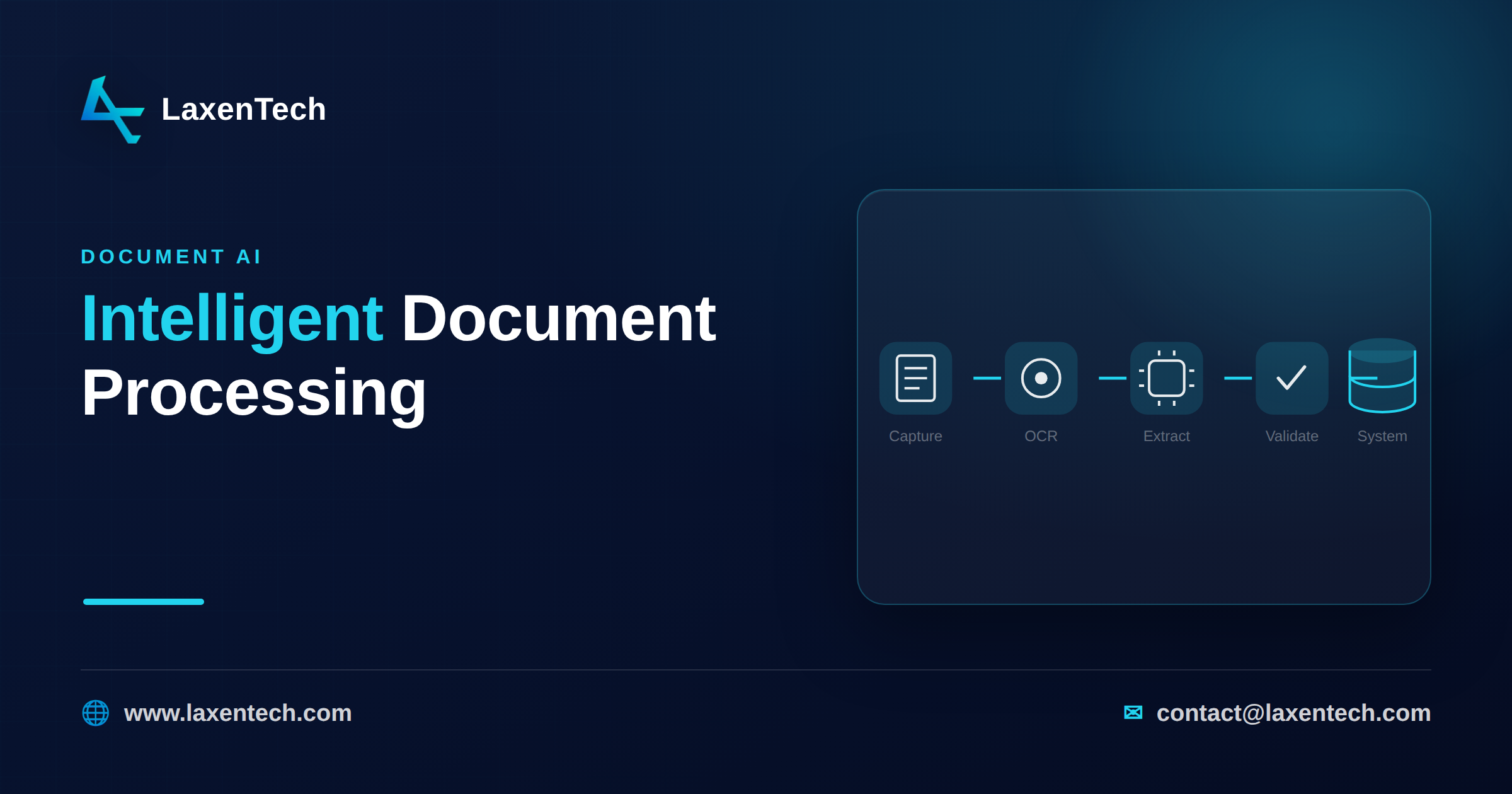
The IDP pipeline, stage by stage
A production system is a sequence of steps, not a single model call. Skip a stage and you’ll feel it in the error rate.
Capture. Documents arrive — an email inbox, a scanner, an upload portal, an API drop, a shared folder. You normalize them into a queue. Scans get deskewed and cleaned up here.
OCR. Optical character recognition turns pixels into text and position data. For a digital PDF this is trivial; for a crumpled scan or a phone photo, OCR quality sets the ceiling for everything downstream.
Extraction. This is where AI earns its keep. The model finds the fields you care about — invoice total, contract renewal date, account number — and returns each with a location and a confidence score. Modern document AI handles varied layouts without a fixed template, which is the leap over old rules-only systems.
Validation. Business rules check the extracted data. Does the line-item math sum to the total? Is the date in a plausible range? Does the vendor exist in your master data? Failed checks route to review.
Human review. Anything below your confidence threshold, or anything that fails validation, goes to a person. They correct it in a review UI. Those corrections are gold — they train the next version.
Post to system. Clean, validated data goes into the ERP, accounting package, CRM, or database via software integration — an API call, a database write, an approved queue.
Miss the validation and human-review stages and you’ve built a fast way to load bad data into your system of record. That’s worse than manual entry, because nobody’s watching.
The accuracy reality nobody puts on the slide
Here’s the part vendors bury. Extraction is never 100% accurate. Not with the best model, not on clean documents, not ever. Plan for that and you’ll build something that works. Assume perfection and you’ll ship something that quietly corrupts your data.
Every good extraction engine returns a confidence score per field — the model’s own estimate of how sure it is. That number is the most useful output in the whole pipeline, because it lets you split the work:
High confidence (say, above 95%) and passes validation — auto-post, no human touches it.
Medium confidence — post but flag, or route to a quick review queue.
Low confidence, or failed a business rule — a person checks it before anything moves.
Tune those thresholds to the stakes. A marketing lead-capture form can run looser than a loan application. The goal isn’t to eliminate human review — it’s to shrink it to the documents that actually need a human, so your team touches 10% of the volume instead of 100%. That’s the whole game.
Two numbers to watch, and don’t confuse them. Straight-through processing rate is the share of documents that clear with no human involvement. Field-level accuracy is how often an auto-posted field is correct. You want both high, and they trade against each other — loosen your thresholds to lift straight-through rate and you’ll let more errors through. The right balance is a business decision, not a technical one.
Where each document type gets hard
“We’ll automate our documents” hides a wide range of difficulty. Some categories are nearly solved; others fight back.
Digital PDFs with a stable layout — invoices from a known vendor, standardized forms. The easy case. Extraction is reliable and straight-through rates get high fast.
Varied layouts, same document type. A hundred vendors, a hundred invoice designs. This is where template-based systems collapse and modern document AI shines, because it reads meaning rather than fixed coordinates. Still, expect a long tail of oddball layouts that need review.
Tables and line items. Deceptively hard. Multi-page tables, merged cells, wrapped text, subtotals mixed into the rows. Getting the total off an invoice is easy; getting every line item correctly structured is where projects spend real effort. This is a big reason PDF workflow automation is more than a checkbox feature.
Scans and photos. Quality is everything. A clean 300 DPI scan is fine. A skewed phone photo of a faded thermal receipt under bad lighting will punish your OCR, and no downstream model recovers what OCR never captured.
Handwriting. The genuinely hard frontier. Printed handwriting on a form field is manageable. Cursive, doctor’s-scrawl, or handwritten annotations in the margin — accuracy drops sharply, and you should route these to humans by default rather than pretend otherwise.
Mixed and multilingual. Documents that switch languages, or mix printed and handwritten sections, or bundle several document types in one PDF. These need a classification step before extraction even starts.
Knowing which bucket your documents fall into is most of what determines whether a project takes six weeks or six months. We’d rather tell you that up front than discover it in month three.
Build vs buy: use proven OCR, build the logic
The instinct to build everything from scratch is expensive and, usually, wrong. The instinct to buy a closed platform that can’t be shaped to your process is a different kind of trap. The right answer sits in the middle.
Buy the commodity layer. OCR and general-purpose extraction are mature, competitive, and hard to beat by building your own. Use proven components — our PDF Enhancer handles the OCR, extraction, merge and split, batch processing, and format conversion, and exposes a REST API so it drops into a larger pipeline instead of being a dead-end app.
Build the business logic. This is your moat and it can’t be bought off a shelf, because it is your process. Your validation rules. Your confidence thresholds. Your routing to the right reviewer. Your master-data lookups. How exceptions get resolved. How clean data lands in your ERP. This layer is where a generic IDP tool stops and a system that fits your operation begins.
That split keeps you off the two bad paths — reinventing OCR, or wedging your workflow into someone else’s rigid product. It’s the approach behind most of the business process automation examples that actually stick, and it’s how we design AI and automation engagements: proven engine, custom logic, your systems.
The ROI shape: where the money actually is
The savings aren’t only labor, though labor is the headline. Map the full picture before you commit a budget.
Labor. The obvious one. If someone spends four hours a day retyping documents, and IDP takes 85% of that volume straight through, you’re freeing most of a full-time role — usually redeployed to exceptions and analysis, not eliminated.
Speed. Documents that took two days in a manual queue clear in minutes. For anything time-sensitive — approvals, onboarding, payments — cycle time is often worth more than the headcount saving.
Error cost. Manual entry has a baseline error rate, and some of those errors are expensive: a duplicate payment, a missed contract renewal, a compliance miss. Validation rules catch a class of mistakes a tired human misses at 4 p.m.
Searchability. Once documents are structured data instead of PDFs in a folder, you can query them. “Show every contract renewing in Q1.” “Total spend with this vendor.” That capability didn’t exist before, and it compounds — good information management turns a document archive into something you can actually ask questions of.
The shape of the return: modest and mostly labor in the first quarter, then a steeper curve as straight-through rates climb and the error-cost and searchability benefits accumulate. Front-loaded projects — heavy on setup — pay back slower than they should. Start with your highest-volume, most standardized document type, prove it, then expand.
How LaxenTech helps
We’re an engineering firm, not a platform vendor, so we build the pipeline around your documents rather than the other way around.
PDF Enhancer is the extraction layer — OCR, merge and split, batch processing, e-signatures with an audit trail, format conversion, data-driven PDF generation, and a REST API to wire it into everything else. It’s the proven commodity engine we talked about, so nobody’s rebuilding OCR on your budget. Explore it on the PDF Enhancer product page.
AI and automation services is where we build the logic — classification, validation rules, confidence thresholds, human-review routing, and the integration that posts clean data into your ERP, accounting system, or database. If you’re weighing what a pipeline for your specific documents would take, talk to our team and we’ll give you a straight read on difficulty and payback before you commit.
Frequently asked questions
What is intelligent document processing?
Intelligent document processing uses OCR, machine learning, and business rules to extract structured data from unstructured documents — PDFs, forms, contracts, statements, emails — and post it into your systems. It replaces the manual work of reading a document, finding the important fields, and retyping them somewhere else.
How is IDP different from basic OCR?
OCR only converts images into text — it reads characters, not meaning. Intelligent document processing adds the layers OCR lacks: understanding which text is the invoice total or the renewal date, scoring its own confidence, validating against business rules, and routing uncertain results to a human before the data moves.
Can AI extract data from scanned documents and handwriting?
Yes, with caveats. Clean scans extract reliably. Photos, faded receipts, and skewed images degrade accuracy because OCR quality sets the ceiling. Printed handwriting is manageable; cursive and messy scrawl drop sharply and should route to human review by default. Match your expectations to your document quality.
Do I still need people to review documents?
Yes, and that’s by design, not a flaw. Extraction is never 100% accurate, so a good pipeline auto-processes high-confidence documents and routes low-confidence or rule-failing ones to a reviewer. The goal is shrinking human review from every document to the small fraction that genuinely needs a person.
Which documents should I automate first?
Start with your highest-volume, most standardized document type — usually invoices, or a form you receive in bulk. Prove the pipeline there, measure the straight-through rate, then expand to harder categories like contracts and varied-layout statements. Front-loading complex documents slows payback and buries early wins.
Should we build IDP in-house or buy a platform?
Do both, in the right places. Buy proven OCR and extraction — they’re mature and hard to beat by building your own. Build the business logic yourself: validation rules, confidence thresholds, review routing, and system integration. That layer is specific to your process and it’s where a generic tool stops being useful.
Intelligent document processing works when you treat it as an engineering system, not a magic box — proven OCR for extraction, custom logic for validation and routing, and a human on the documents that earn a second look. Accuracy is never perfect, and the pipelines that succeed are the ones built to expect that.
Start with one high-volume document type, measure the straight-through rate honestly, and grow from there. If you want a grounded estimate for your documents, tell us what you’re dealing with — we’ll tell you where it’s easy, where it’s hard, and what it’s likely to cost.
LaxenTech Engineering
The engineering team at LaxenTech — building custom software, systems integration and AI-driven solutions.
Related posts
HIPAA-Compliant Software Development: A Practical Guide
A practical HIPAA compliance guide for healthcare software — access controls, encryption, BAAs and the mistakes that fail audits. Design it in from day one.
Fintech Software Development: Cost, Compliance & Process
Fintech software development explained — PCI DSS and SOC 2 compliance, secure architecture, and what a compliant build really costs and takes.
How to Build a Custom AI Chatbot for Your Business
How to build a custom AI chatbot for your business — RAG explained simply, build vs buy, guardrails against hallucination, and realistic cost and ROI.