
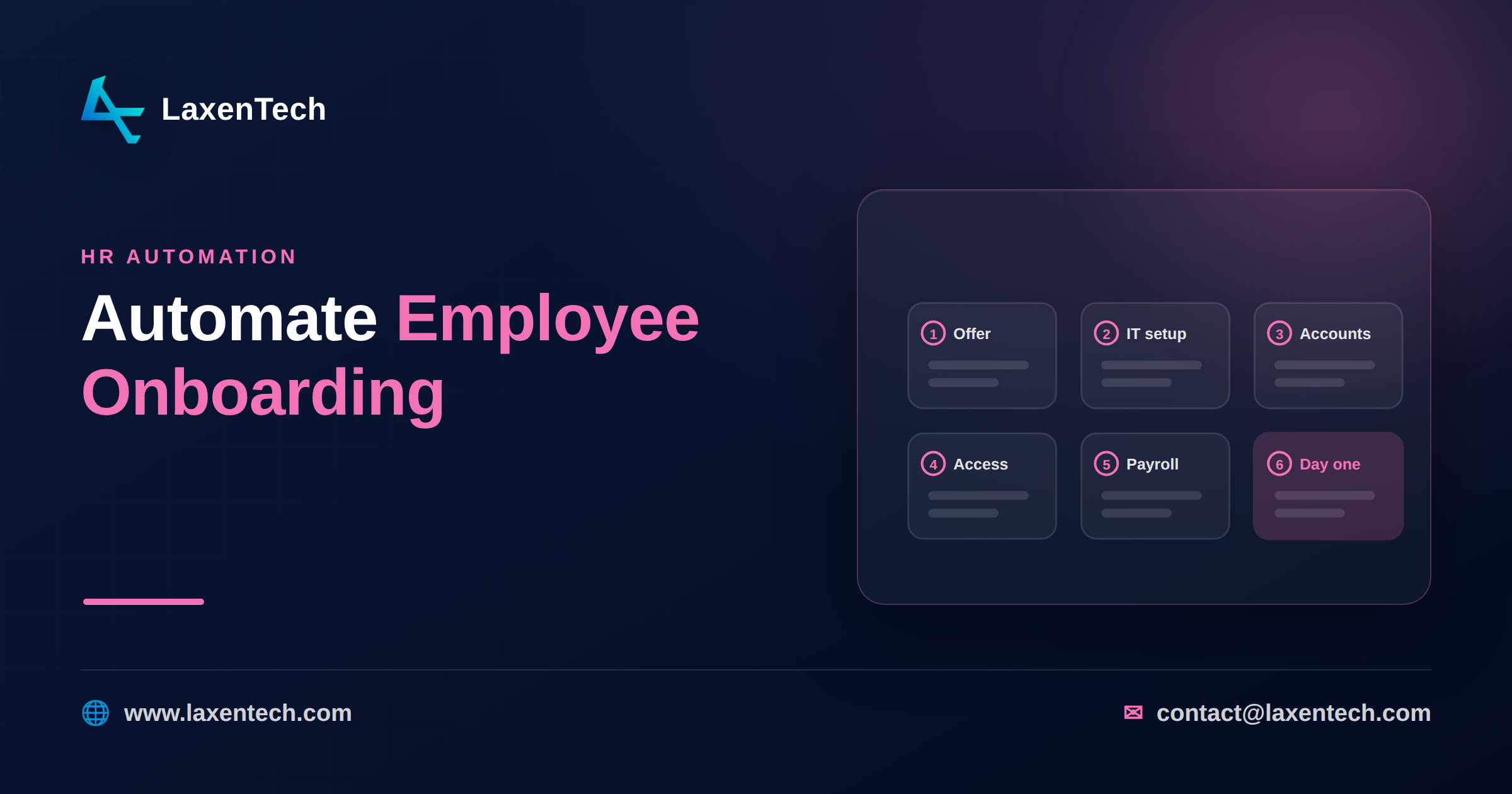
How to Automate Employee Onboarding: A Cross-System Workflow Blueprint for HR & IT
To automate employee onboarding, you connect your HRIS to your identity provider and IT tools so that a single “hire confirmed” event fans out into every downstream task — account creation, email, role-based tool access, equipment requests, manager checklists, and compliance forms — without anyone rekeying data or chasing a spreadsheet. That’s the whole idea. One trusted trigger, many synchronized actions, a clear audit trail, and a new hire who can actually log in on day one.
Most companies don’t have that. They have a hiring manager who emails IT “new person starts Monday,” an IT admin who creates accounts by hand, an HR coordinator building a welcome packet, and a laptop that arrives Wednesday. The work gets done, eventually. But it’s slow, error-prone, and it makes a terrible first impression. This blueprint fixes the mechanics — and it’s honest about the parts you should never hand to a machine.
We build these systems for HR and IT teams, so this is written from the wiring diagram out, not from a brochure.
What onboarding automation actually covers
“Automated onboarding” gets used loosely. Let’s be specific about the pieces, because each one has a different owner and a different failure mode.
Pre-boarding. Everything between “offer accepted” and “day one.” Sending the welcome email, collecting bank and tax details, ID verification, background-check status, an equipment survey (Mac or Windows, monitor size, desk location). Done well, the new hire feels prepared. Done badly, they show up not knowing where to park.
Account and access provisioning. The core of the IT side. Creating the identity record in your directory (Entra ID, Okta, Google Workspace), generating the email address, and granting access to the right tools by role — a sales rep gets the CRM, a developer gets the repo and CI, a finance analyst gets the ERP. This is where role-based access control earns its keep.
Equipment and logistics. Triggering a laptop order or reallocating one from stock, shipping to a remote hire, badge and building access for on-site staff, a desk assignment.
Task checklists. The manager’s list (schedule a 1:1, assign a first project), the buddy’s list, the new hire’s own list (finish security training, submit direct-deposit form). Automation doesn’t do these tasks — it creates them, routes them to the right person, and nags until they’re closed.
The day-one experience. Calendar invites for orientation, a Slack or Teams welcome, the org chart, links to the handbook. Small things. They set the tone.
Automation’s job is to make sure none of these get forgotten and none require someone to copy a name from one screen into another. If you want the broader pattern this fits into, our rundown of business process automation examples puts onboarding alongside the other workflows worth wiring up first — this article is the deep dive that post only had room to sketch.
A cross-system workflow blueprint
Here’s the part most guides skip: what actually happens, step by step, when the trigger fires. Picture the HRIS as the source of truth and everything else subscribing to it.
Trigger: A candidate’s status in the HRIS flips to “Hired” and a start date is set. That’s the single event that starts everything. Not an email. Not a form someone remembers to fill. A state change in the system that already owns the hire.
From that one trigger, the workflow fans out:
Create the identity. Push the new hire’s core record — legal name, preferred name, department, manager, job title, start date, location — into the identity provider. This becomes the anchor every other system reads from.
Provision email and directory. Generate the mailbox, add the person to the right distribution lists and security groups based on department and role.
Grant tool access by role. A rules table maps job title to entitlements. “Software Engineer, Bangalore” gets GitHub, Jira, the staging environment, and a Figma seat. “AP Clerk, Finance” gets the ERP and the expense tool. New hires get exactly what the role needs — no more, no less.
Request equipment. Fire a ticket to IT asset management (or your vendor) with the device spec from the pre-boarding survey, shipping address, and required-by date.
Assign manager tasks. Drop a checklist into the manager’s queue: approve the first-week schedule, name a buddy, prep the first project.
Route compliance forms. Send tax, direct-deposit, NDA, and policy acknowledgments for e-signature; open a task if any come back incomplete.
Schedule the day-one experience. Send orientation calendar invites, queue the welcome message for 9 a.m. on the start date, share the handbook and org chart.
Each step writes its status back to a single onboarding record so HR and IT can see, at a glance, what’s done and what’s stuck. When step 4 stalls because the laptop’s on backorder, someone knows before the new hire arrives — not on the morning of.
The thing that makes this work isn’t any single connector. It’s that the HRIS event is trusted and every other system reacts to it. Build it the other way — humans triggering each step — and you’re back to the email-chasing you started with.
A copy-ready onboarding checklist
Steal this. Adapt the fields to your stack, but keep the ownership column — unowned tasks are how new hires fall through the cracks.
Pre-boarding (offer accepted → day one) - [ ] Welcome email sent with start date, location, first-day agenda — HR - [ ] Tax, bank, and ID documents collected and verified — HR - [ ] Background/reference check cleared — HR - [ ] Equipment survey completed (device, peripherals, address) — New hire - [ ] Identity record created in directory — IT (automated) - [ ] Email and core accounts provisioned — IT (automated)
Access and equipment - [ ] Role-based tool access granted per entitlement table — IT (automated) - [ ] Laptop ordered/allocated and shipped — IT / Asset - [ ] Badge and building access created — IT / Facilities - [ ] MFA enrolled and password reset flow ready — IT
Compliance and forms - [ ] NDA and IP agreement signed — New hire - [ ] Policy and handbook acknowledgments recorded — New hire - [ ] Mandatory security training assigned with due date — IT / HR
People and culture (not automated — see below) - [ ] Buddy assigned and introduced — Manager - [ ] Day-one welcome and team intro — Manager / Team - [ ] First-week 1:1 scheduled — Manager - [ ] 30/60/90-day check-ins on the calendar — Manager
Print it, put it in a shared doc, or — better — let your onboarding automation software generate it per hire so nobody starts from a blank page.
The integration reality: HRIS ↔ identity ↔ IT tools
This is where blueprints meet the wall. The workflow above assumes your HRIS talks to your identity provider and your IT tools talk to each other. Often they half-do, or do it in ways that surprise you.
A few things worth knowing before you commit:
Field mapping is the real work. “Department” in your HRIS might be a free-text field; your identity provider expects a code from a fixed list. Someone has to reconcile those. Skip it and you’ll provision half your engineers into the wrong security group.
You need one source of truth. The HRIS should own personal and employment data; identity should own accounts and access. When two systems both think they own the same field, you get drift — and drift in access control is a security problem, not a nuisance.
APIs vary wildly. Some tools have clean provisioning APIs (SCIM is the standard worth asking for). Others force you into CSV imports or, worse, screen automation. Know which is which before you promise a timeline.
Timing and ordering matter. You can’t grant CRM access before the identity exists. The workflow has real dependencies, and a good automation layer respects them instead of firing everything at once and failing half the steps.
If your systems don’t connect natively, that’s an integration project, not a lost cause. We wrote a full piece on software integration that covers the API-versus-middleware decision you’ll face here. The short version: an integration layer that sits between HR and IT — reading the HRIS event, mapping fields, calling each tool’s API in the right order — is usually cheaper and more reliable than forcing every vendor into a direct point-to-point link. It’s the same discipline behind automating invoice processing with AI: one trusted trigger, clean data mapping, systems that react instead of waiting on a human.
Where you keep the humans
Here’s the honest part, and it’s the part that separates onboarding done well from onboarding done fast. Automation is brilliant at provisioning and terrible at belonging.
Do not automate:
The welcome. A templated “Welcome to the team!” from a no-reply address is worse than nothing. A manager who says it in person, or on a call, means something.
The buddy relationship. You can assign a buddy with a rule. You cannot make the introduction warm. Let a human do that.
Culture and context. The unwritten stuff — how decisions really get made, who to ask about what, why the team does things a certain way — transfers person to person. No workflow carries it.
Judgment calls. An exception to a policy, a role that doesn’t fit the entitlement table, a new hire whose situation needs a conversation. Route these to a person, always.
The right mental model: automate the plumbing so your people have time for the parts only people can do. If your HR team spends day one resetting passwords and chasing laptops, they’re not welcoming anyone. Free them up. That’s the win.
Common mistakes
Automating a broken process. If your manual onboarding is chaotic, automating it just makes the chaos faster. Fix the process on paper first, then wire it.
No de-provisioning plan. Everyone builds the joiner flow and forgets the leaver flow. The same integration should revoke access when someone leaves — an orphaned account with live CRM access is a breach waiting to happen.
Over-provisioning “to be safe.” Granting broad access so nobody has to ask later violates least privilege and fails your next audit. Map roles tightly.
Ignoring the exceptions. Real orgs have contractors, internal transfers, and rehires. A workflow that only handles the standard full-time hire will break on week two.
Skipping the status view. If HR and IT can’t both see where a given onboarding stands, you’ve automated the tasks but not the coordination — and coordination was half the problem.
How LaxenTech helps
We’re an engineering-first firm, so we come at this as a wiring problem, not a template to sell you. Our AI and automation services build exactly the cross-system workflow this article describes: the HRIS trigger, the field mapping into your identity provider, role-based access provisioning, equipment and task routing, and the status view that keeps HR and IT looking at the same picture.
Because we also build custom software and ERP systems, we’re comfortable on both sides of the HR-to-IT seam — the data model and the integrations. We’ll tell you honestly which parts to automate, which to leave to your people, and whether your current tools can even talk to each other before anyone signs off on a timeline.
If you want to map your own onboarding flow, get in touch and we’ll walk through it with you.
Frequently asked questions
How long does it take to automate employee onboarding?
A focused build — HRIS trigger, identity provisioning, and role-based access for your main job families — typically takes a few weeks, not months. The variable is your systems’ APIs. Tools with clean SCIM support go fast; ones that need CSV workarounds or middleware add time. We scope the integration reality before quoting a date.
What’s the difference between HR onboarding and IT onboarding?
HR onboarding covers the people and paperwork side — offer, documents, welcome, compliance forms, culture. IT onboarding covers accounts, access, and equipment — email, tool provisioning, laptops, security. Good automation connects them so one hire event drives both, instead of two teams working from separate lists that fall out of sync.
Do we need to replace our HRIS to automate onboarding?
Usually not. The HRIS stays your source of truth; the automation layer reads its “hire confirmed” event and drives everything downstream. As long as your HRIS can expose that event through an API or webhook, you build around it. Replacing the HRIS is a much bigger project and rarely necessary just for onboarding.
How does role-based access provisioning work?
You build an entitlement table that maps each job title or department to a specific set of tools and permission levels. When a new hire’s role is set in the HRIS, the workflow reads that table and grants exactly those entitlements — no more. It keeps access consistent, enforces least privilege, and makes audits far easier.
Can onboarding automation handle contractors and transfers?
Yes, if you design for it. Contractors, internal transfers, and rehires each need their own path — different access, different forms, sometimes different equipment. The common mistake is building only the standard full-time flow. A workflow that branches on employee type from the start handles these without manual patching.
What should we automate first?
Start with account and access provisioning — it’s the highest-friction, most error-prone step, and it’s what stops a new hire from working on day one. Get the HRIS-to-identity connection solid, add role-based tool access, then layer on equipment and task routing. Prove the trigger works before you expand the fan-out.
Automating employee onboarding isn’t about removing people — it’s about removing the busywork that keeps your people from doing the parts that matter. One trusted trigger, clean integrations between HR and IT, role-based access, and a status view everyone shares. That’s the blueprint. Keep the welcome, the buddy, and the judgment calls human, and let the plumbing run itself.
If your onboarding still runs on emails and spreadsheets, talk to us about building the workflow. We’ll start with your systems, not a sales pitch.
LaxenTech Engineering
The engineering team at LaxenTech — building custom software, systems integration and AI-driven solutions.
Related posts
HIPAA-Compliant Software Development: A Practical Guide
A practical HIPAA compliance guide for healthcare software — access controls, encryption, BAAs and the mistakes that fail audits. Design it in from day one.
Fintech Software Development: Cost, Compliance & Process
Fintech software development explained — PCI DSS and SOC 2 compliance, secure architecture, and what a compliant build really costs and takes.
How to Build a Custom AI Chatbot for Your Business
How to build a custom AI chatbot for your business — RAG explained simply, build vs buy, guardrails against hallucination, and realistic cost and ROI.